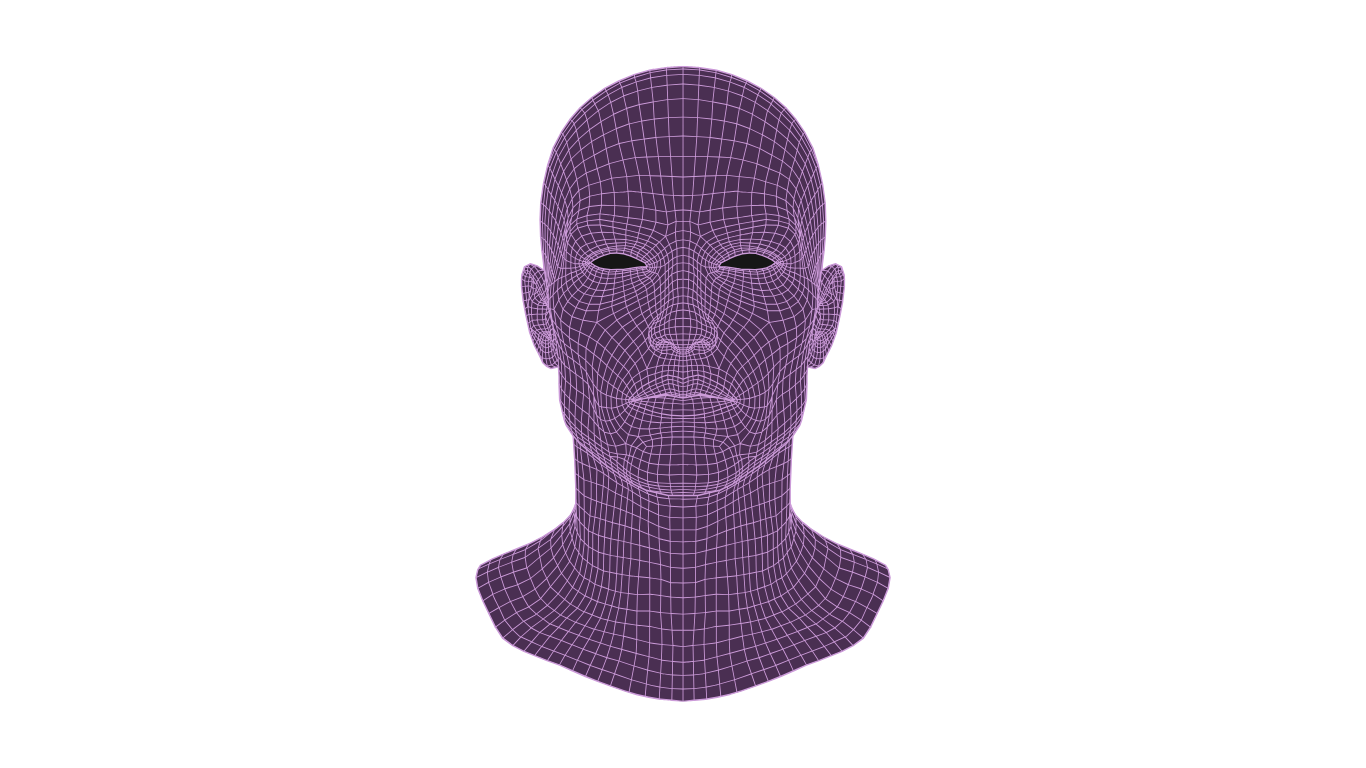
The real face
Is this video real?
Upload a video of a person, and OriginAI checks their face frame by frame to tell you whether it's real or a deepfake. Most checks take about a minute.
The deepfake
A deepfake can fool your eyes.
Deepfake apps can put one person's face on someone else, or make their lips say words they never said. Pause on any single frame and it can look completely real.
The deepfake is caught
OriginAI shows what gave it away.
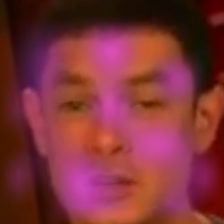
A scanning wave passes over the face, and each spot that gives the deepfake away lights up red, like the eyes, nose and mouth. Your result shows the same kind of map for your own video.
A Deepfake, Up Close
This clip is a known deepfake from Celeb-DF, a public research collection of deepfake videos. Drag the handle to see it the way OriginAI does.
Deepfake clip from Celeb-DF, checked by Vidi, the detector trained on Celeb-DF v2. OriginAI sets the background aside and studies the face.
Scan A VideoThree Steps To Your Answer
No account, nothing to install, and no technical knowledge needed.
-
Add your video
Paste a link from TikTok, Facebook, X or Reddit, or upload a video file from your phone or computer. Up to 2 minutes long.
-
Let Auto pick a detector
Auto checks your video and picks the detector that fits it best. You can also choose one yourself.
-
Read your result
Likely Real or Likely Deepfake, and how sure the detector is. Your video is deleted right after.
Reading Your Result
Every check ends with a short, plain answer, plus the details if you want to look closer.
- The answer
Likely Real or Likely Deepfake, in plain words.
- How sure it is
From 50% (a coin toss) to 100% (very sure). A hint, not proof.
- The face map
Brighter spots mattered more to the result.
- The moments
Flagged moments are the parts that stood out.
-
 1 0:02–0:05 · 69%, above the line
-
 3 0:09–0:12 · 65%, above the line
-
 2 0:10–0:13 · 68%, above the line
-
 4 0:12–0:15 · 64%, above the line
How It Spots A Deepfake
A deepfake often looks fine in a still picture. It's much harder to make it look right in motion, so OriginAI checks both.
How the face looks
Skin that's too smooth, blurry edges where the face meets the hair or neck, and lighting that doesn't match the rest of the scene.
How the face moves
Blinks, lip movements and small expressions that don't flow naturally, or edges that flicker from one frame to the next.
Both checks are combined into one answer for the whole video. Learn how it works
Picking The Right Detector
OriginAI has four detectors, each trained on a different kind of video. Auto picks one for you, or choose the one that sounds most like yours.
Clear and sharp
Uses Veni HQ
Blurry, blocky or re-shared
Uses Veni LQ
Almost too perfect
Uses Vidi
Dark, shaky or noisy
Uses Vici
Not sure which one fits? Leave it on Auto: it checks how your video looks and picks one. If the answer is close, scan the same video again with another option and compare the two.
Compare the four detectorsBefore You Trust A Result
OriginAI gives you a hint. Treat it as one clue, not the final word.
It's a hint, not proof
A high score means the video looks like the deepfakes it learned from. A low score doesn't prove a video is real.
It only checks the face
It doesn't check the voice, who posted the video, or when it was made. Those are worth checking too.
Better video, better answer
Dark, blurry or heavily compressed videos, or faces that turn away, give it less to go on.
Not Sure About A Video?
Scan it now. It's free, there's no sign-up, and your video is deleted right after.